- Mathspace back end:
- Check Mathspace back end to see if a verified school already exists. If unsure about whether a school in Mathspace back end is already there, please ask the relevant school consultant.
- To turn on Milo chat, please refer to this document.
- If school doesn’t exist then create school in Mathspace.
- Tick the 'is verified' checkbox
- Fill in school reference (search for the school reference using the government ID in Hubspot)
- Fill in timezone
- Fill in country
- Fill in Country Subdivision
- Fill in Lantern Curriculum (if unsure check with the school's Edtech Consultant)
- Add the relevant syllabuses [State] *only add the 2024 textbooks to schools with Schools Plus subscription
- Add Task Template Groups (refer to this article)
- Fill in package subscription (paid or trial) and Trial Add on Package
- Fill in the start and end date
- Save
- Create teacher accounts
- Username: firstname.surname
- Password: mathspace123
- Curriculum focus: Australian Curriculum Year 7- v9 2024 [Live]
- Timezone: Australia/[state], Country: Australia
- Fill in first name
- Fill in last name
- Fill in email address
- Add profile (Curriculum focus: Australian Curriculum Year 7 - v9 2024 [Live])
- Find school name in search and click on link to auto enter ID number
- Check the "Can access all students" box.
- Save and add another if more teachers, otherwise save
2. Hubspot
- Send email to teachers giving login details and CC Edtech Consultant from the deal page (make sure this is done in Hubspot so that it is visible on the equivalent deal page). Use the 'Mathspace Username and Password' template.
- Update Mathspace school ID (Mathspace school ID can be found in the URL when clicking on the link to the Mathspace school in the back end)
- Fill in the start and end date of trial
- Fill in current Trialing Package
- If the deal doesn't exist yet, please create a new one. Simply update the deal owner and leave the other details as default.
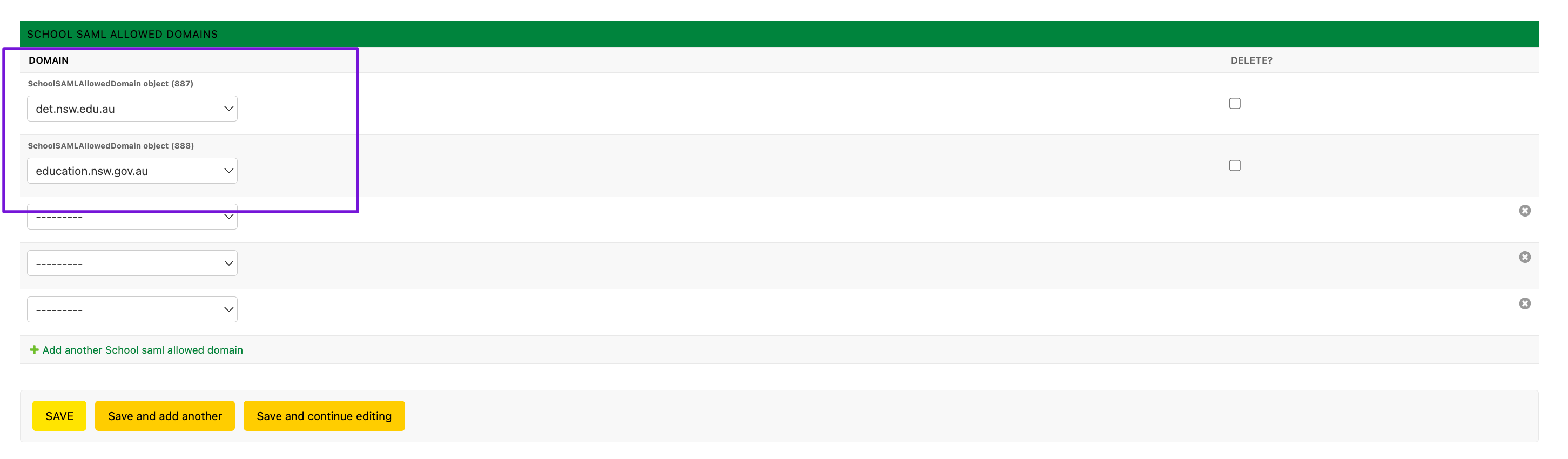
Notes: We enable SSO for NSW Department of Education schools. This is identified by the teacher's email domain, which is @det.nsw.edu.au.
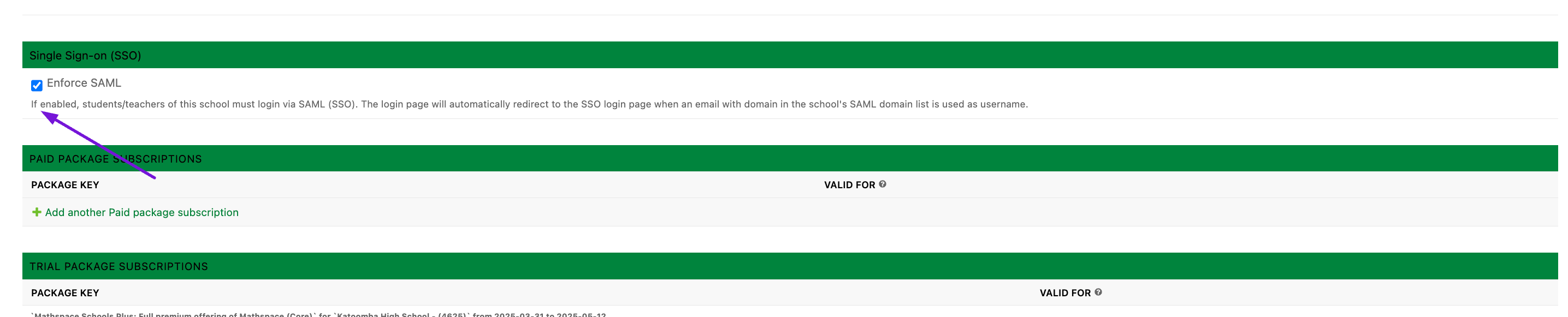
Add the allowed SAML domains: